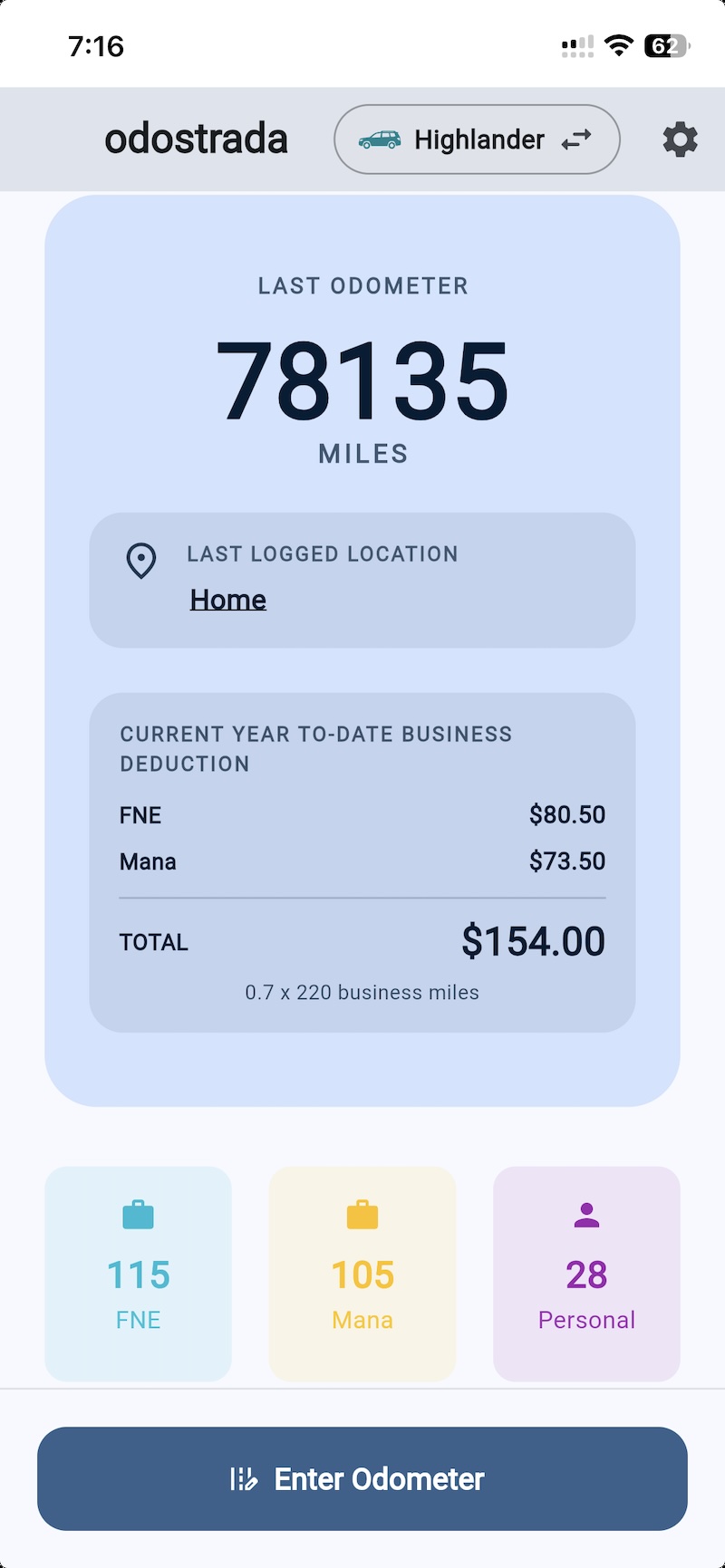
This End User License Agreement (“Agreement”) is a legal agreement between you and Mana Kitchen LLC, operator of the
odostrada app (“Operator,” “odostrada,” “we,” “us,” or “our”), and governs your access to and use of the odostrada
application, including any related updates, content, and features (collectively, the “App”).
1. Acceptance of Terms
By downloading, installing, accessing, or using the App, you agree to this Agreement. If you do
not agree, do not use the App. If you use the App on behalf of an entity, you represent that you
have authority to bind that entity.
2. License Grant
Subject to your compliance with this Agreement, we grant you a limited, revocable,
non-exclusive, non-transferable, non-sublicensable license to install and use the App for your own
internal personal or business recordkeeping purposes on devices you own or control, solely as
permitted by this Agreement and the applicable app marketplace rules.
3. Ownership and Intellectual Property
The App is licensed, not sold. The App, including its software, design, branding, text, layout,
and all associated intellectual property rights, remains the property of the Operator and its
licensors. Except for the limited license granted above, no rights are granted to you by
implication, estoppel, or otherwise.
4. Restrictions
You may not, except to the extent prohibited by applicable law, copy, modify, distribute, sell,
lease, sublicense, rent, reverse engineer, decompile, disassemble, create derivative works from,
bypass security or paywall controls, use the App for unlawful purposes, or use the App in a way
that interferes with its operation or the rights of others.
5. Product Scope and Tiers
Free Tier: Supports a limited number of businesses, vehicles, and export features
as described in the App or store listing at the time of use. Regular CSV and image exports may be
sufficient to preserve underlying record information, but they are not the same as one-step full
backup and restore inside the App.
Business Pro and Other Paid Tiers: May provide expanded feature limits, backup
capability, subscription access, lifetime access, or other paid functionality as made available by
the Operator from time to time.
6. Billing, Subscriptions, and
Marketplace Terms
Billing: Purchases, subscriptions, renewals, refunds where applicable, and payment
processing are generally handled by the relevant app marketplace or authorized billing provider, not
directly by the Operator.
Auto-Renewal: If you purchase an auto-renewing subscription, it renews unless you
cancel through your marketplace account settings before the renewal cutoff specified by that
marketplace.
Cancellation: Uninstalling the App does not cancel a subscription.
Lifetime Access: If offered, “lifetime” access means access for the functional
lifespan of that offering as maintained by the Operator on then-supported platforms, subject to this
Agreement, app evolution, legal compliance, and platform availability.
Marketplace Terms: Your use of the App may also be subject to the terms, rules,
and policies of the app marketplace from which you downloaded it. If there is a conflict between
this Agreement and mandatory marketplace terms, the mandatory marketplace terms control only to the
extent required.
7. Your Data, Backups, and
User-Generated Content
You are solely responsible for the data, images, classifications, exports, backups, and other
content you create, store, or share using the App. You are also solely responsible for maintaining
independent backups and protecting exported or backed-up files once they leave the App or your
device. Regular CSV and image exports may preserve underlying record information, but they are not
equivalent to full in-app backup and restore and may require manual merging, file organization, or
re-entry. For browser-based and PWA versions of the App, including iPhone web app use, locally
stored data may be deleted, cleared, evicted, become inaccessible, or fail to persist due to
browser, operating system, device, or storage behavior outside our control. We are not responsible
for lost, corrupted, deleted, overwritten, inaccessible, or misdirected user data.
8. No Tax, Legal, or Accounting Advice
The App is a recordkeeping tool only. The Operator does not provide tax, legal, accounting, audit,
or regulatory advice. Descriptions such as “CPA-ready,” “tax-ready,” or similar refer to formatting
and workflow convenience only and do not guarantee legal sufficiency, tax treatment, audit
acceptance, or compliance with any governmental standard. You are solely responsible for reviewing
entries, retaining required substantiation, and determining whether your records satisfy your own
legal, tax, or business obligations.
9. OCR, Calculations, and Accuracy
OCR, distance calculations, trip classification tools, and related features are provided for
convenience only. You must review and verify all entries, images, distances, dates, and
classifications before relying on them. The Operator is not responsible for errors, omissions, audit
outcomes, penalties, lost deductions, filing positions, or business decisions arising from
inaccurate, incomplete, or unreviewed information.
10. Changes to the App
We may add, remove, modify, suspend, or discontinue features, tiers, pricing, compatibility,
functionality, or support for all or part of the App at any time, with or without notice, subject
to applicable law and marketplace requirements. Nothing in this Agreement obligates us to continue
any specific feature, tier, or version indefinitely.
11. Suspension and Termination
We may suspend, restrict, or terminate your access to the App or paid features at any time if we
believe you have violated this Agreement, misused the App, engaged in fraud, created security or
legal risk, failed to satisfy payment obligations, or if continued offering of the App becomes
commercially impractical or legally problematic. Upon termination, your license ends immediately,
but sections intended to survive will remain in effect.
12. Disclaimer of Warranties
TO THE MAXIMUM EXTENT PERMITTED BY LAW, THE APP IS PROVIDED “AS IS” AND “AS AVAILABLE,” WITHOUT
WARRANTIES OF ANY KIND, WHETHER EXPRESS, IMPLIED, OR STATUTORY, INCLUDING ANY IMPLIED WARRANTIES OF
MERCHANTABILITY, FITNESS FOR A PARTICULAR PURPOSE, TITLE, NON-INFRINGEMENT, ACCURACY, QUIET
ENJOYMENT, AVAILABILITY, SECURITY, OR UNINTERRUPTED OPERATION. WE DO NOT WARRANT THAT THE APP WILL
BE ERROR-FREE, MEET YOUR REQUIREMENTS, PREVENT DATA LOSS, OR SATISFY ANY LEGAL, TAX, OR AUDIT
STANDARD.
13. Limitation of Liability
TO THE MAXIMUM EXTENT PERMITTED BY LAW, THE OPERATOR SHALL NOT BE LIABLE FOR ANY INDIRECT,
INCIDENTAL, SPECIAL, CONSEQUENTIAL, EXEMPLARY, OR PUNITIVE DAMAGES, OR FOR ANY LOSS OF PROFITS,
REVENUE, GOODWILL, DATA, BUSINESS OPPORTUNITY, TAX POSITION, OR EXPECTED SAVINGS, ARISING OUT OF OR
RELATING TO THE APP OR THIS AGREEMENT, EVEN IF ADVISED OF THE POSSIBILITY OF SUCH DAMAGES. TO THE
MAXIMUM EXTENT PERMITTED BY LAW, THE OPERATOR’S TOTAL AGGREGATE LIABILITY FOR ALL CLAIMS ARISING OUT
OF OR RELATING TO THE APP OR THIS AGREEMENT SHALL NOT EXCEED THE GREATER OF (A) THE AMOUNT YOU PAID
TO THE OPERATOR OR THROUGH THE APP MARKETPLACE FOR THE APP IN THE TWELVE (12) MONTHS PRECEDING THE
EVENT GIVING RISE TO THE CLAIM, OR (B) FIFTY U.S. DOLLARS (US $50).
14. Indemnification
You agree to defend, indemnify, and hold harmless the Operator and its owners, managers, members,
employees, contractors, and agents from and against claims, liabilities, damages, losses, and
expenses, including reasonable attorneys’ fees, arising out of or related to your use of the App,
your data or content, your violation of this Agreement, or your violation of law or the rights of
any third party.
15. Governing Law and Venue
This Agreement is governed by the laws of the State of New Hampshire, without regard to conflict of
law rules. To the extent a dispute is permitted to proceed in court, you and the Operator agree to
submit to the exclusive jurisdiction and venue of the state and federal courts located in New
Hampshire, unless applicable law requires otherwise.
16. Changes to This Agreement
We may update this Agreement from time to time. We will update the effective date or post the
revised version within the App, on the App listing, or on our website as appropriate. Your
continued use of the App after the revised Agreement becomes effective constitutes acceptance of the
revised Agreement to the extent permitted by law.
17. General
If any provision of this Agreement is held unenforceable, that provision will be enforced to the
maximum extent permitted and the remaining provisions will remain in full force. Our failure to
enforce any provision is not a waiver. You may not assign this Agreement without our prior written
consent. We may assign this Agreement in connection with a merger, acquisition, reorganization, or
sale of assets. This Agreement constitutes the entire agreement between you and the Operator
regarding the App, except where supplemented by mandatory marketplace terms.
Questions: [email protected]